
Payment Methods
Simple, secure ways to pay your fees and dues to Alawwa Pradeshiya Sabha — choose whichever is most convenient for you.
LOADING ALAWWA PRADESHIYA SABHA...
Simple, secure ways to pay your fees and dues to Alawwa Pradeshiya Sabha — choose whichever is most convenient for you.
Fast, contactless payment straight from your mobile banking or wallet app.
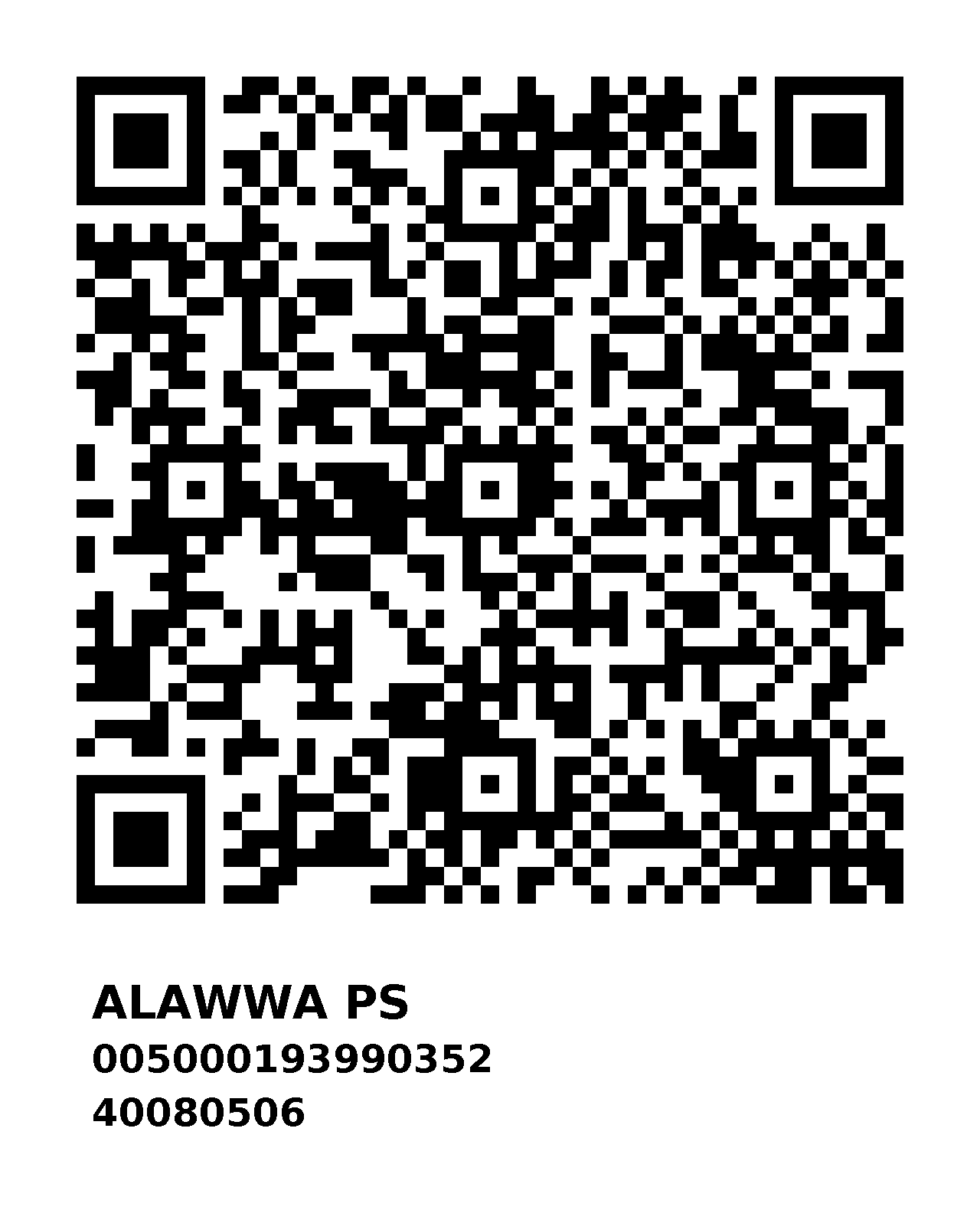
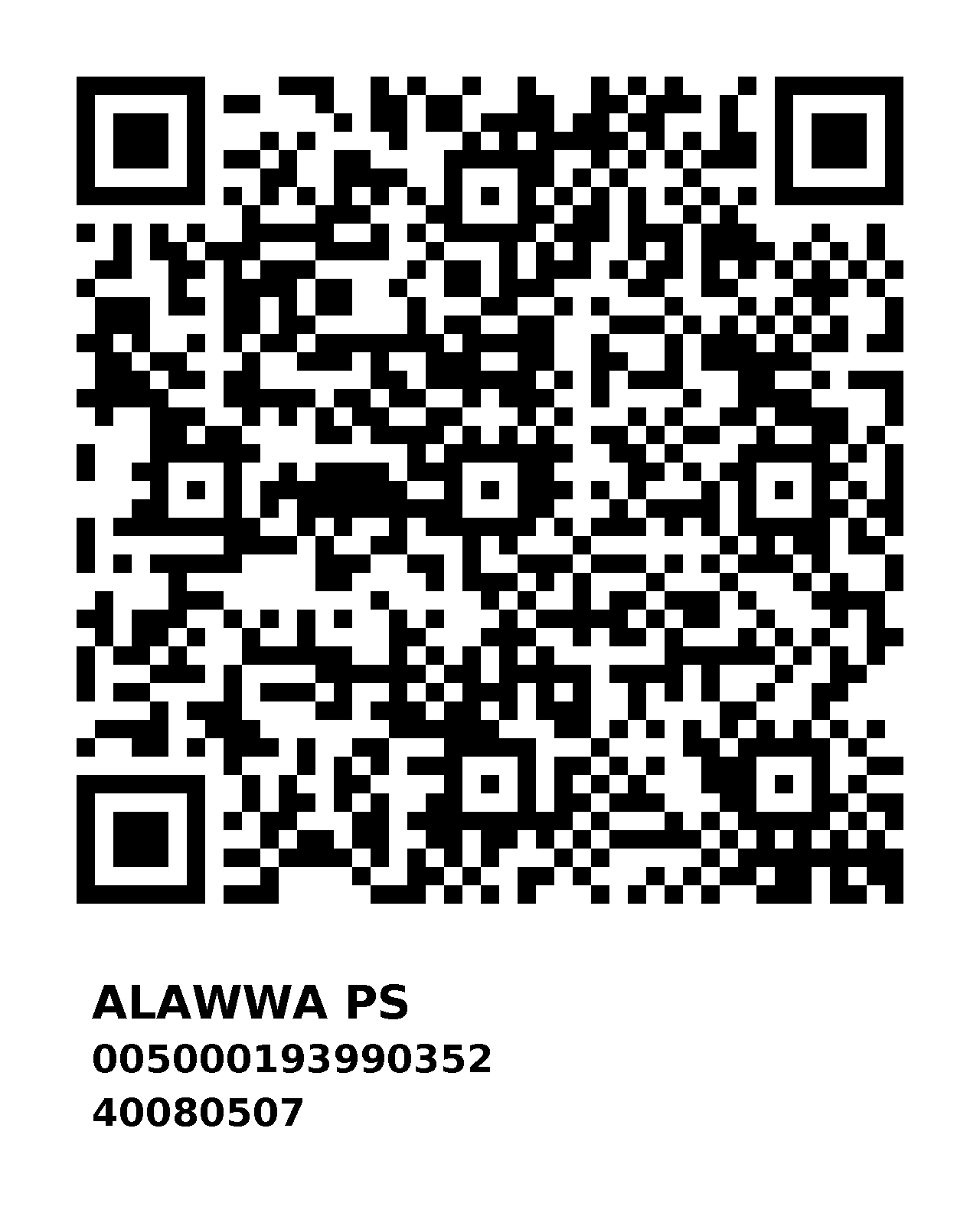
Open any mobile banking app or QR payment app from any bank — LANKAQR compatible apps all work.
Select the Scan to Pay or QR Payment option in your app.
Scan either of the two QR codes above and enter the exact amount due.
Complete the payment and keep the confirmation slip or screenshot as your receipt.
You may use any online QR payment option from any bank — including LANKAQR-enabled mobile banking apps and digital wallets. Please present or email your payment confirmation to the relevant division after paying.
Pay conveniently by crossed cheque made out to the Sabha.
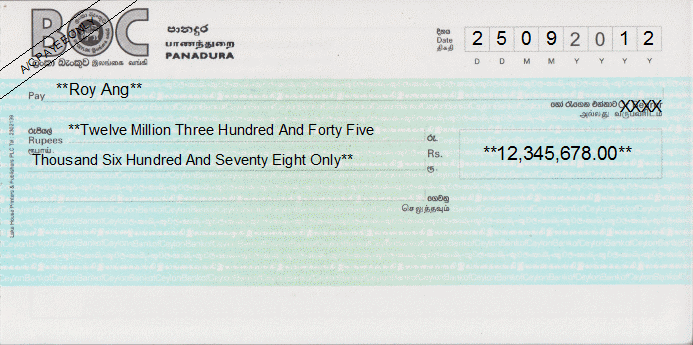
Write the cheque payable to “Secretary, Alawwa Pradeshiya Sabha, Alawwa” exactly as shown, as per the sample.
Cross the cheque (two parallel lines) for added security, and write the amount clearly in both words and figures.
Hand over the cheque at the relevant counter, or send it by registered post to the Sabha office.
Collect your official receipt once the cheque has been accepted and recorded.
Please ensure the cheque is signed and dated correctly. Post-dated or unsigned cheques cannot be accepted.
Deposit cash directly into our official Bank of Ceylon account.
|
Account No.
|
000000000 |
|
Bank
|
Bank of Ceylon (BOC) |
|
Branch
|
Alawwa |
|
Account Holder Name
|
Secretary, Alawwa Pradeshiya Sabha |
Visit any Bank of Ceylon (BOC) branch island-wide, or use a BOC cash deposit machine (CDM).
Fill in the deposit slip with the account details shown, and your name as the depositor.
Deposit the exact amount due and keep the stamped slip / printed receipt.
Submit a copy of the deposit slip to the relevant division for your payment to be recorded.
Double-check the account number before depositing. Keep your deposit slip safe — it is your official proof of payment.